Уклони позадину слике за 5 секунди.
100% аутоматски. Без регистрације. Безбедно.
Испустите слику овде
или кликните за прегледање
100% аутоматски. Без регистрације. Безбедно.
Прави примери уклањања позадине за неколико секунди.
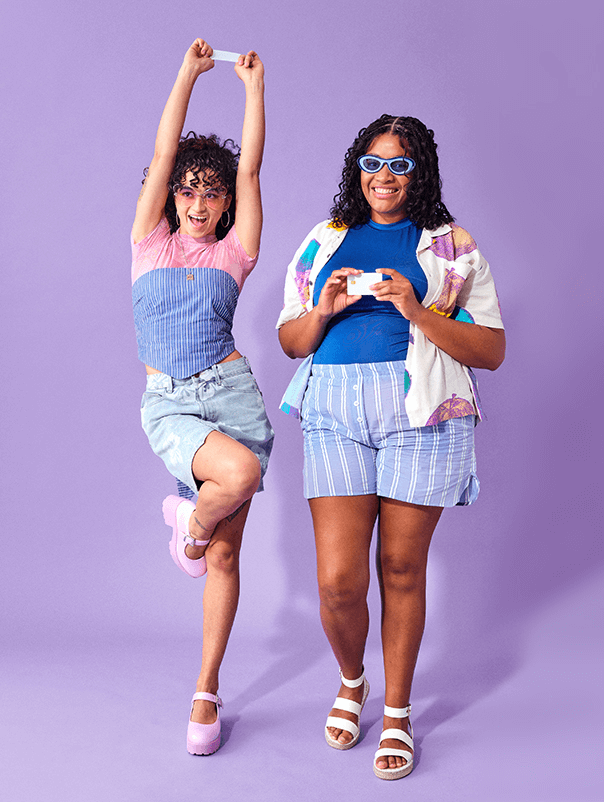
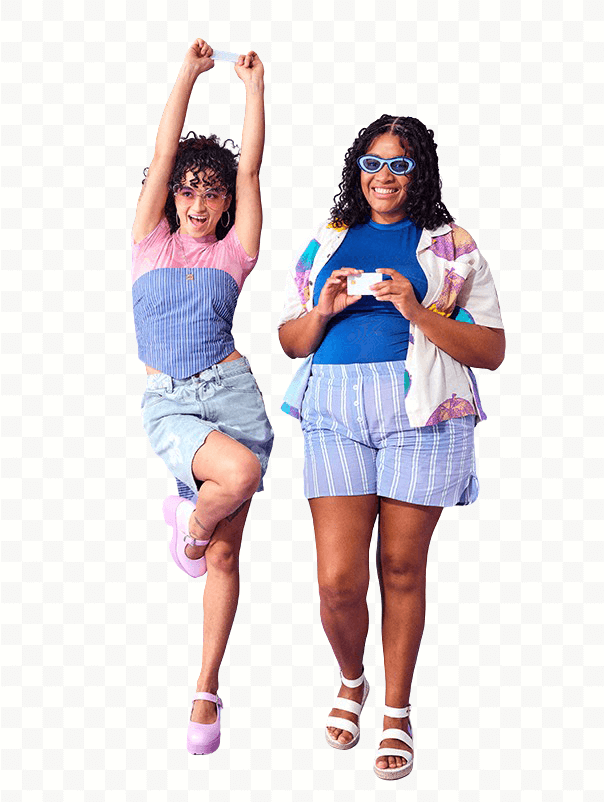
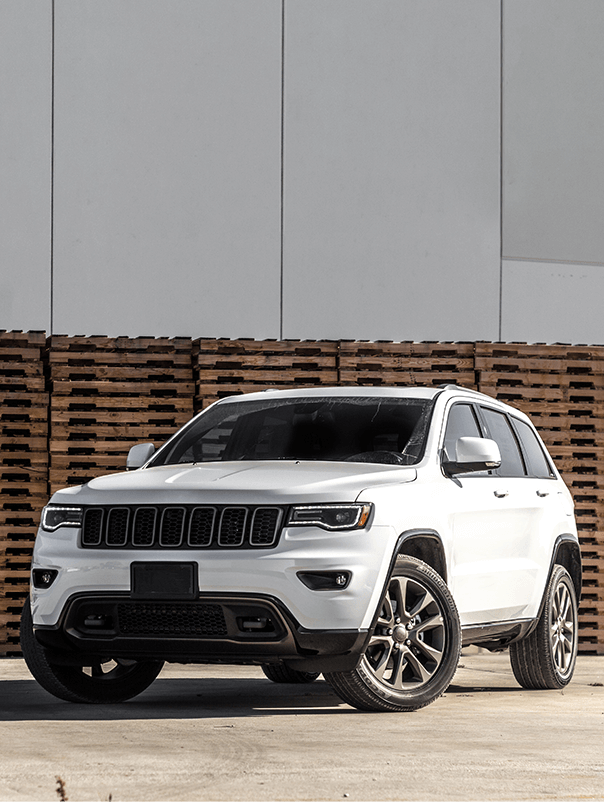
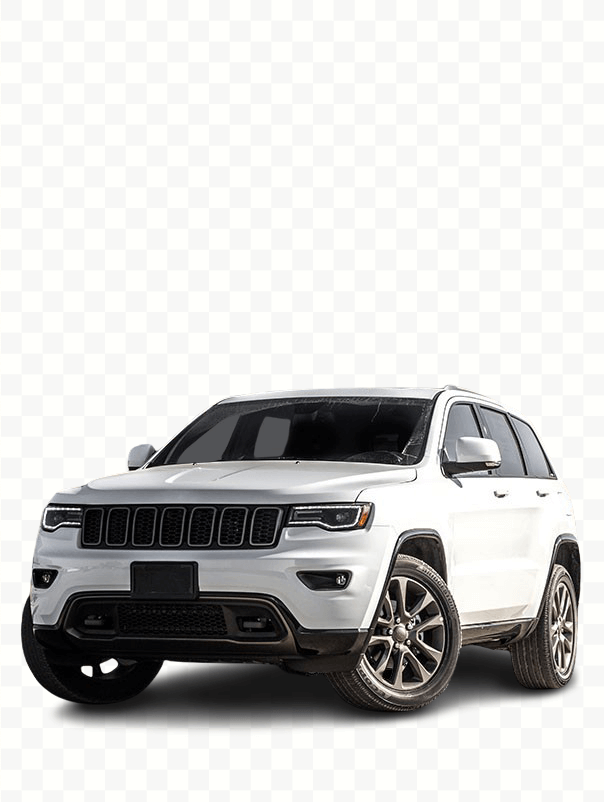
Са bgremove уклањање позадине је брзо и једноставно.
After bgremove removes the background, you are taken to a dedicated editor page where you can fine-tune every detail. No Photoshop, no downloads, no expensive subscriptions. Everything happens instantly in your browser.
The Cutout Четкица lets you manually erase leftover areas with pixel-perfect precision. Choose your brush size with a slider (5px up to 100px) and paint over what you want to remove. Switch to Врати mode if you accidentally erased too much.
Get 30 professionally designed background presets — solid colors, gradients, and patterns. Click any swatch and the background updates instantly. Prefer a custom image? Upload your own from your device.
Create a professional "portrait mode" effect by blurring the original background (0–30px slider). Or use the opacity slider to make the cutout semi-transparent for layered designs.
Click the Преузми button to save a high-quality transparent PNG ready to use anywhere.
bgremove was built to be the fastest, most private, and most affordable way to remove backgrounds from any image.
Processes most images in under 5 seconds. No waiting in queues.
Your images are auto-deleted after processing. We never store or sell them.
No credit card, no subscription, no hidden fees. Unlimited use.
No email, no account. Just upload and download.
Clean transparent PNGs. What you see is what you download.
Desktop, tablet, or mobile. No app download needed.
Sellers on Amazon, eBay, Etsy, Shopee, Lazada, Daraz, and Shopify use bgremove to create marketplace-ready product photos with clean backgrounds.
Creators on YouTube, TikTok, Instagram, Facebook, and Pinterest use bgremove to create thumbnails and overlays.
Designers isolate subjects for posters, brochures, presentations, and advertisements — with pixel-perfect precision.
Clean up LinkedIn headshots, family photos, and social media profile pictures in seconds.
Sellers on Redbubble, Merch by Amazon, Printful, and Teespring prepare print-ready transparent designs quickly.
Drag and drop any JPG, PNG, or WEBP file (up to 5MB) into the upload box, или кликните за прегледање.
The screen transitions to a dedicated editor where you watch the AI work in real time — with a live scan animation and status updates.
Fine-tune edges with the brush, add a background, apply blur, or adjust opacity.
Click Преузми to save a high-resolution transparent PNG file.
bgremove processes your images on its servers to provide the background removal service. Once processing is complete and you leave the website, your uploaded data is automatically deleted from bgremove's servers. bgremove does not sell your images to any third party.
bgremove is designed for everyone, from casual users to professional businesses:
Yes! After uploading, the screen transitions to a dedicated editor where you can erase leftover areas with a brush, add one of 30 preset backgrounds, upload your own, apply a blur effect, or adjust opacity — all in real time.
Yes. bgremove is 100% free with no hidden costs, no subscription fees, and no credit card required.
No. bgremove does not require any account, email address, or sign-up.
bgremove supports JPG, JPEG, PNG, and WEBP formats. The output is always a transparent PNG file.
No. bgremove processes your images purely to perform the background removal, and once processing is complete and you leave the website, your uploaded data is automatically deleted.
Yes. You retain full rights to any image you upload and process through bgremove.
Yes. bgremove is fully responsive and works seamlessly on Android phones, iPhones, tablets, and desktop computers.
If you have any questions, need support, or want to report a bug, please reach out to bgremove.
Please read bgremove's Privacy Policy and Terms of Service.
Припрема слике
We couldn't process your image. Please try again.